

What you need
- USB flash drive formatted in FAT32 with a type “A” USB connector (standard USB connector).
- Crosshead screwdriver (PH2).
- Update file (with .bin extension).
- Computer with a type “A” USB port.
Preliminary steps
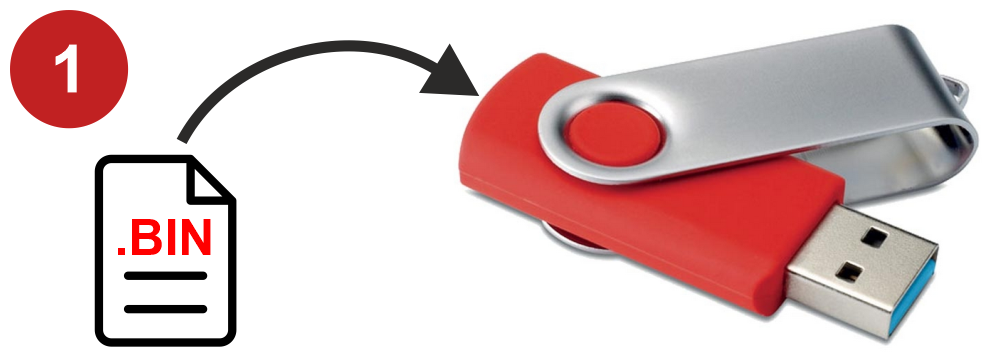
1) Copy the .bin file to the USB flash drive. It is not necessary to rename the file.
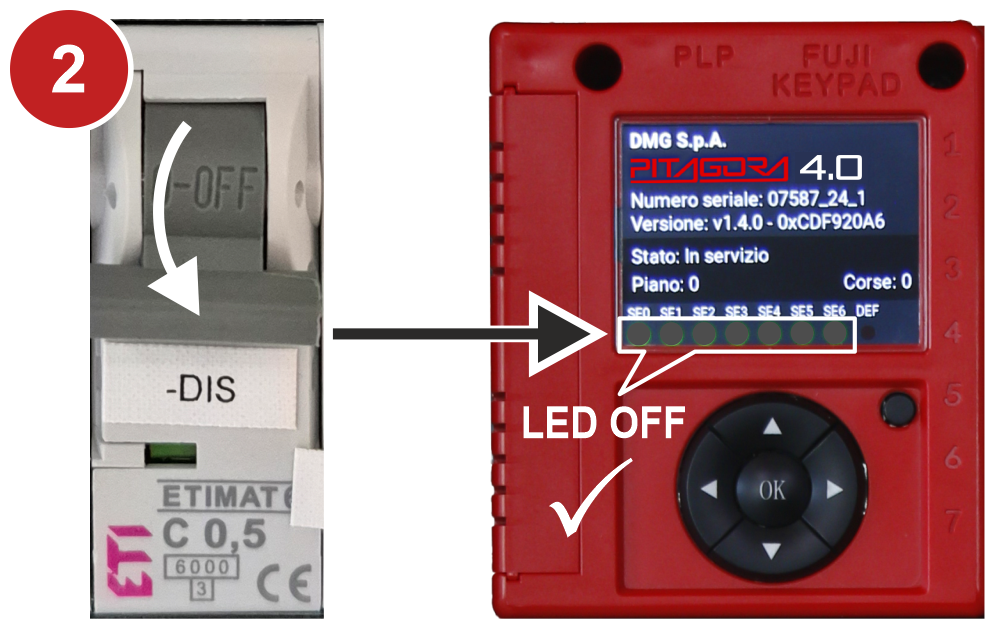
2) With the elevator stopped, open the safety chains by deactivating the “-DIS” switch.
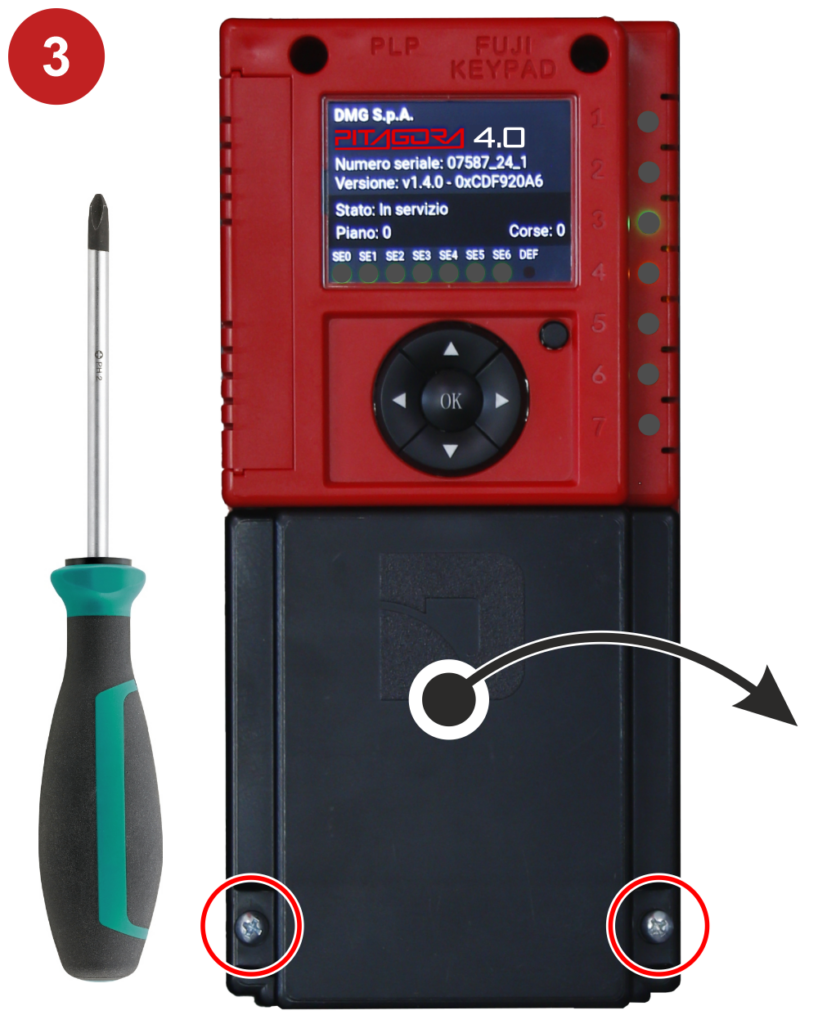
3) Remove the connectors cover by unscrewing the fastening screws.
Firmware update instructions
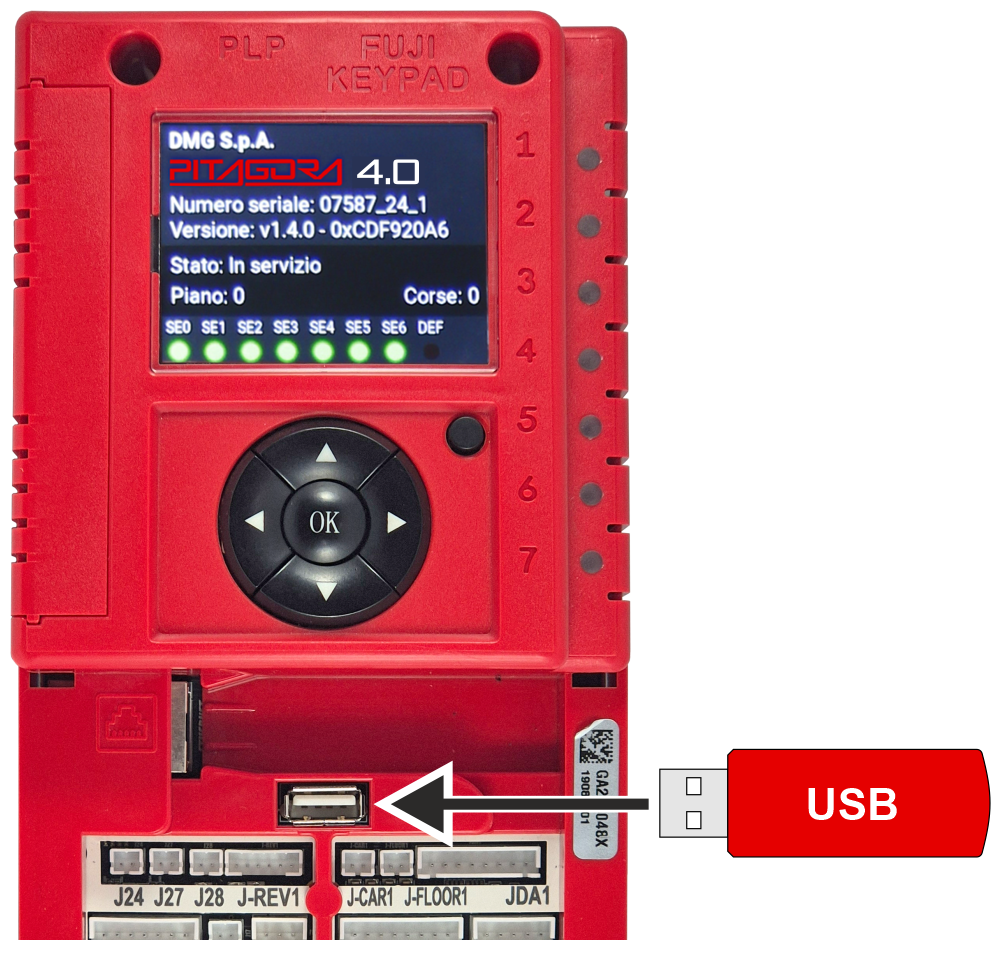
Insert the USB flash drive
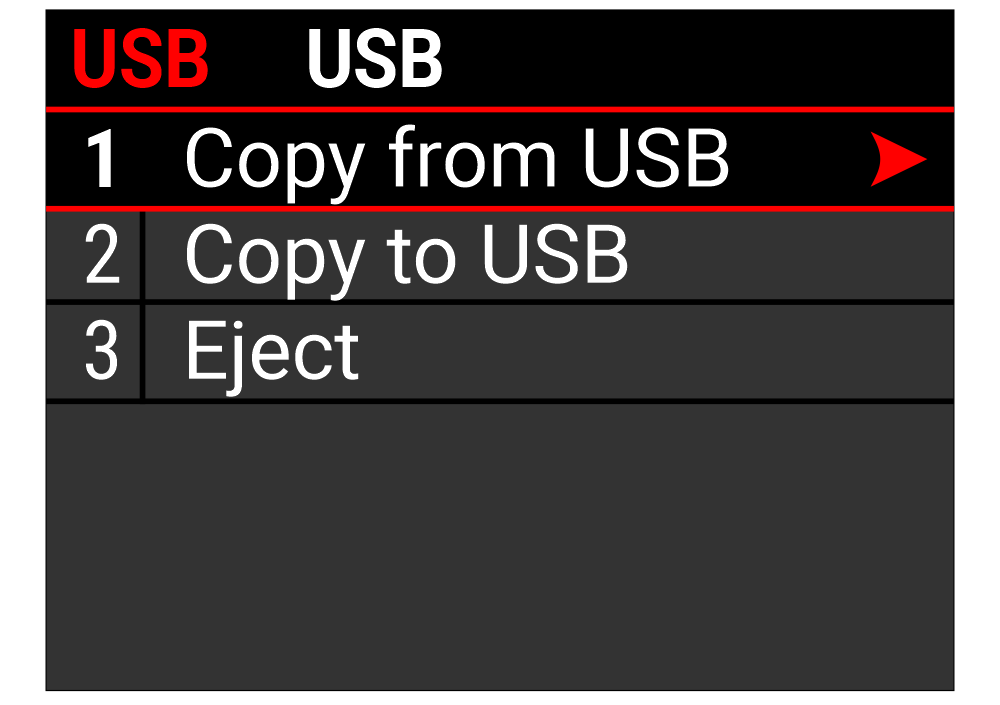
When the USB flash drive is inserted, the USB screen will automatically appear. If nothing is displayed, manually navigate to this screen.
Select the option “Copy from USB“.
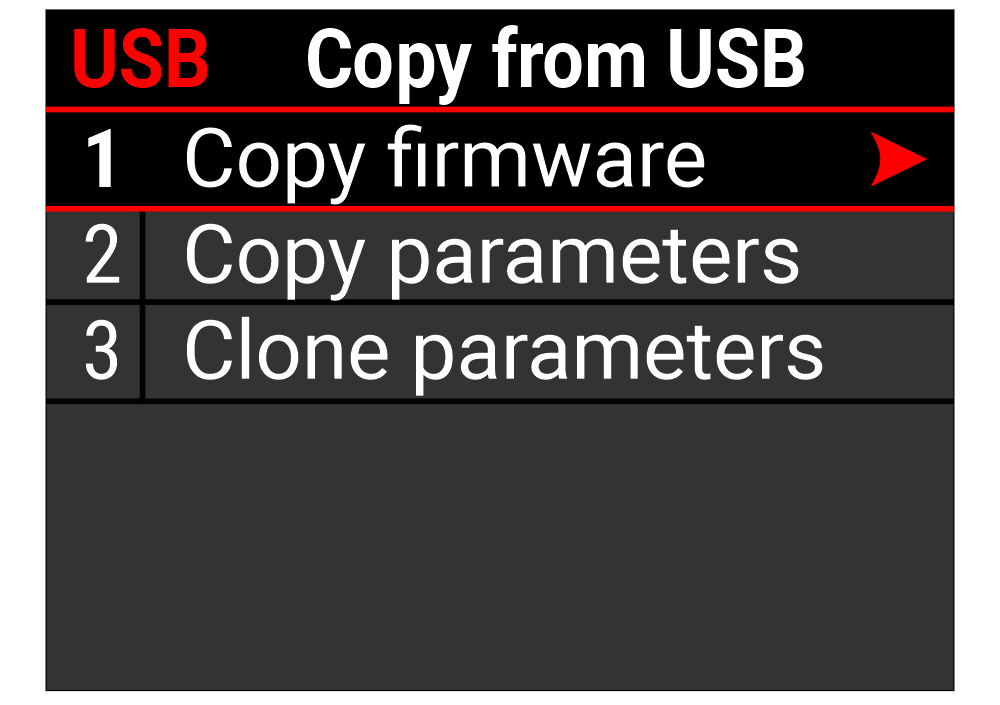
Select the option “Copy firmware“
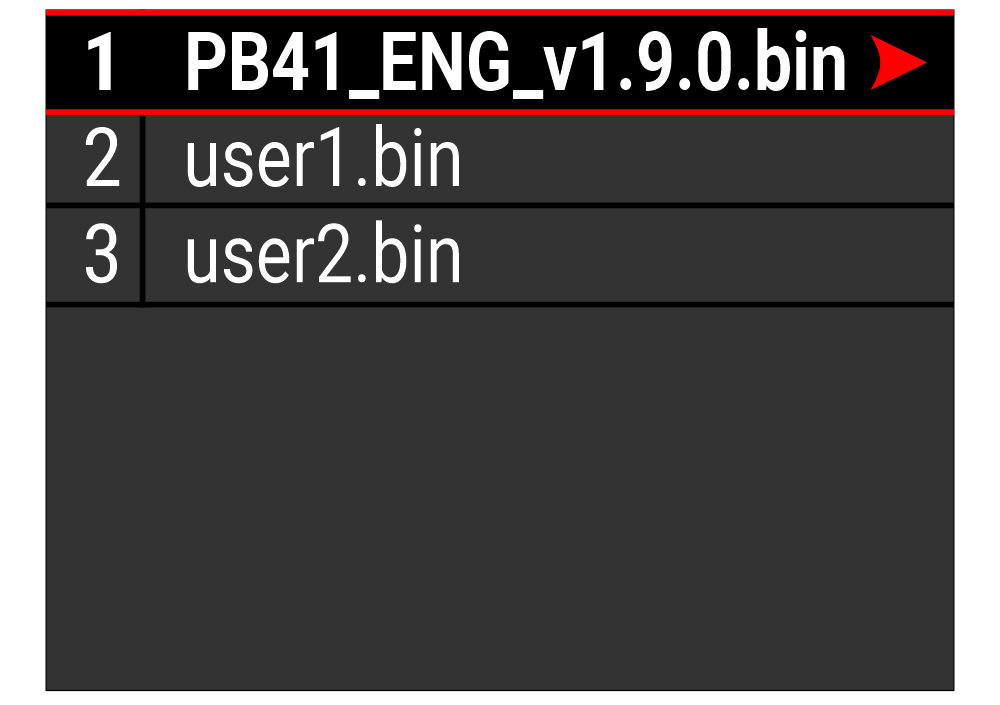
Select the file with the firmware to replace the previous one.
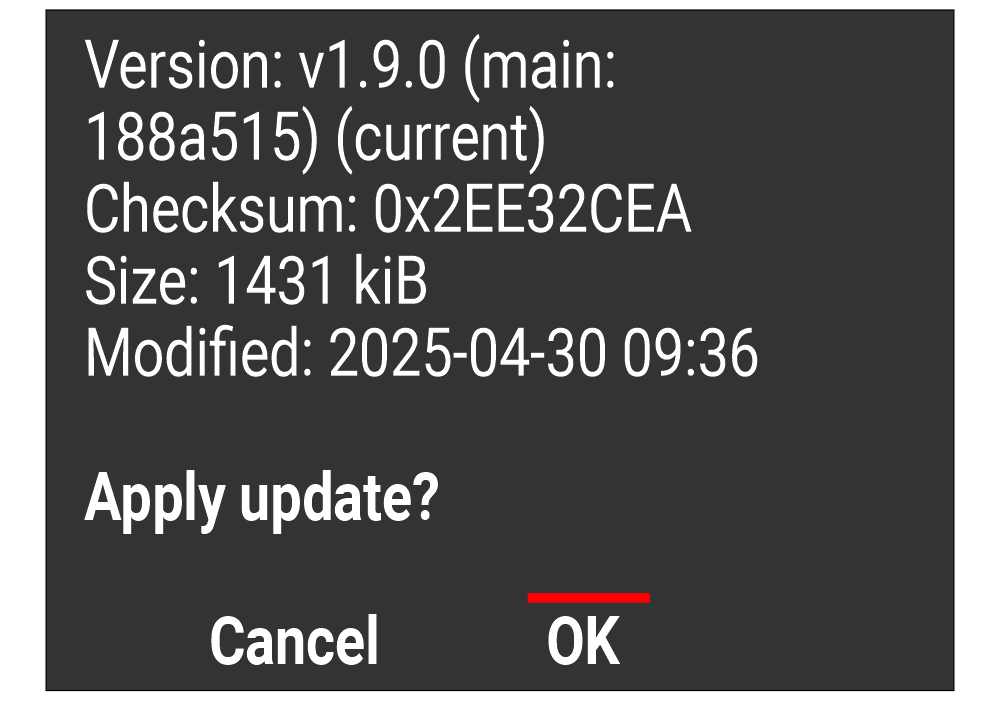
Apply the update by pressing the OK button.
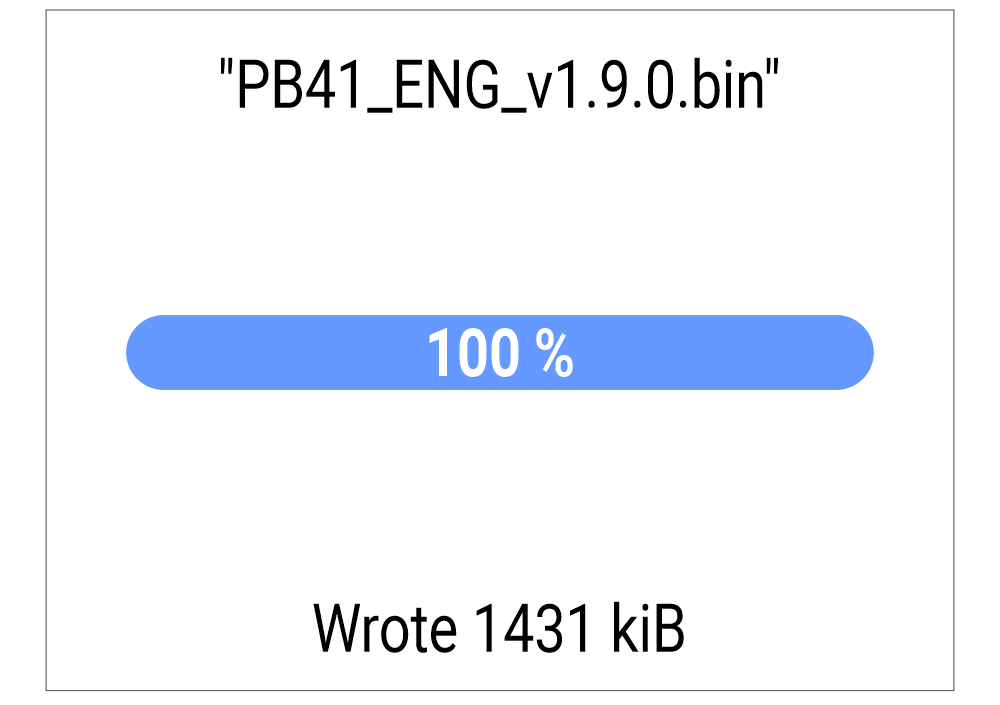
Wait for the update to be loaded.
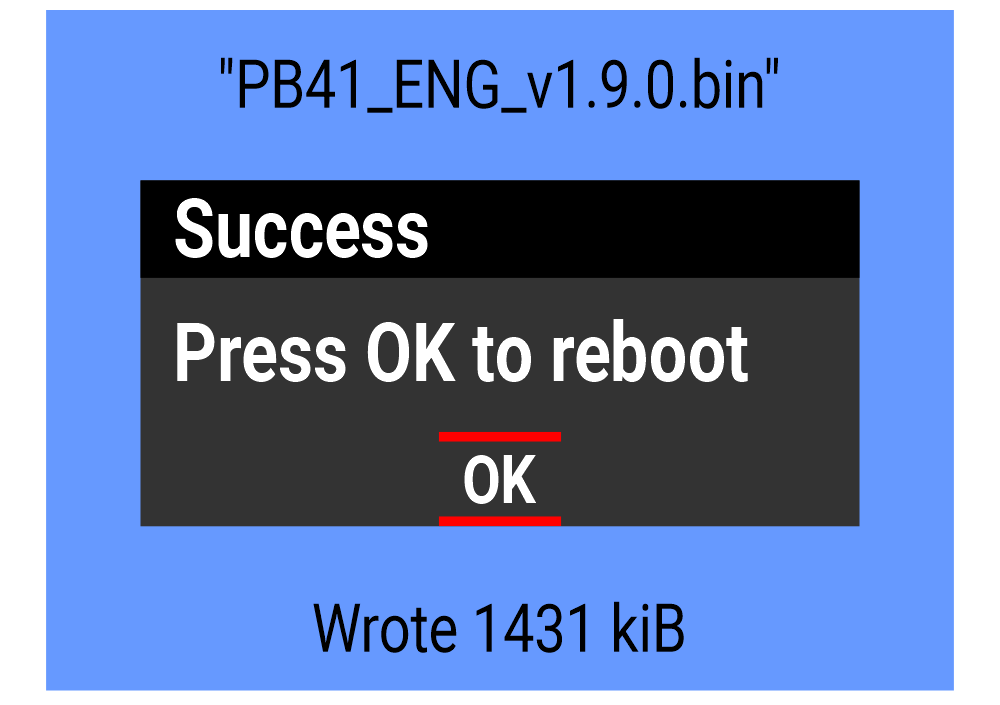
Once the loading is complete, confirm the process is closed.
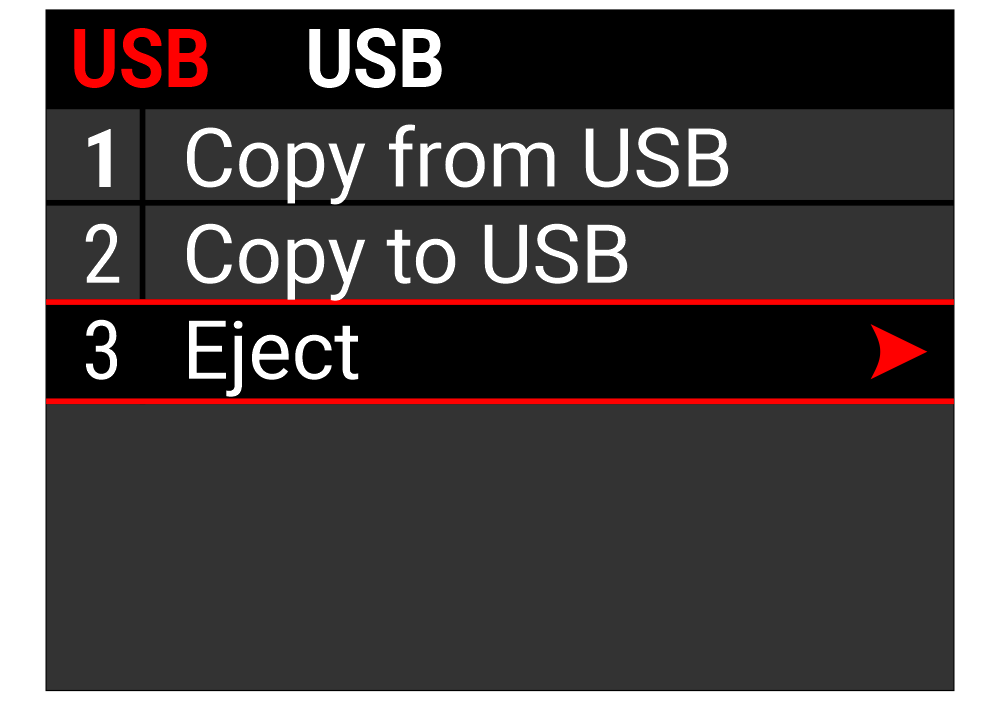
Remove the USB flash drive as shown.
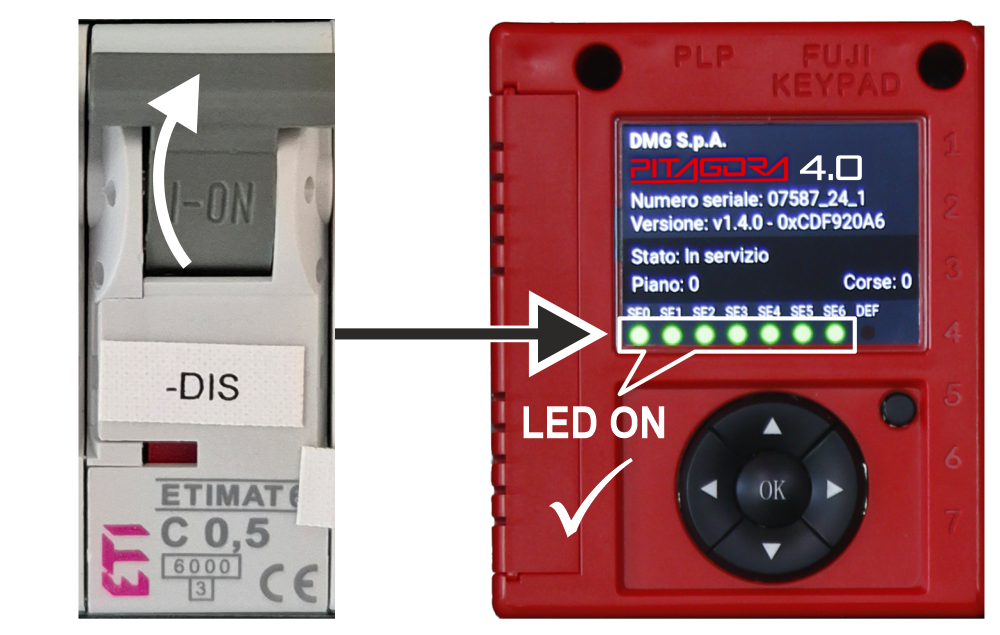
Reassemble the connectors cover and close the safety chains by reactivating the “-DIS” switch.