

What you need
- USB flash drive formatted in FAT32 with a type “A” USB connector (standard USB connector).
- Crosshead screwdriver (PH2).
- Configuration file (with .pbc/.pba extension).
Preliminary steps
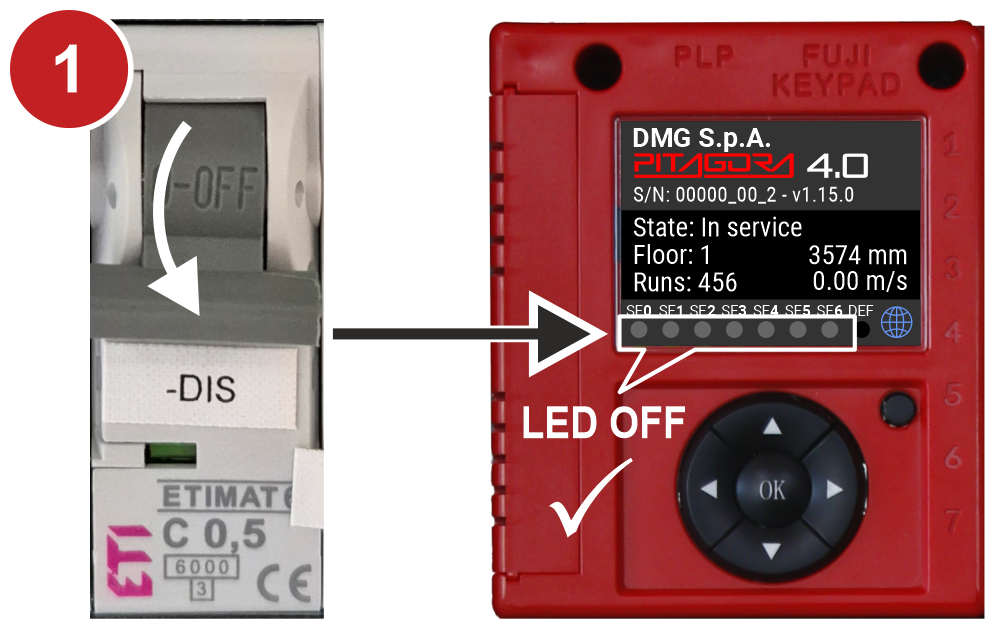
1) With the elevator stopped, open the safety chains by deactivating the “-DIS” switch.
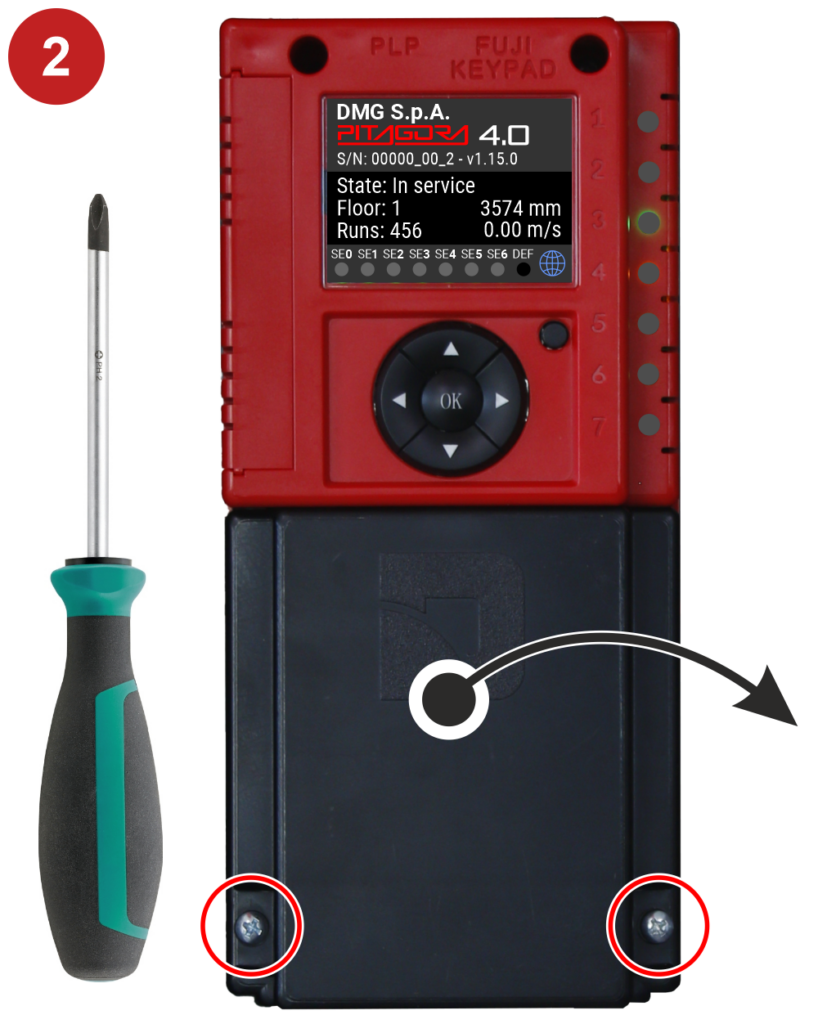
2) Remove the connectors cover by unscrewing the fastening screws.
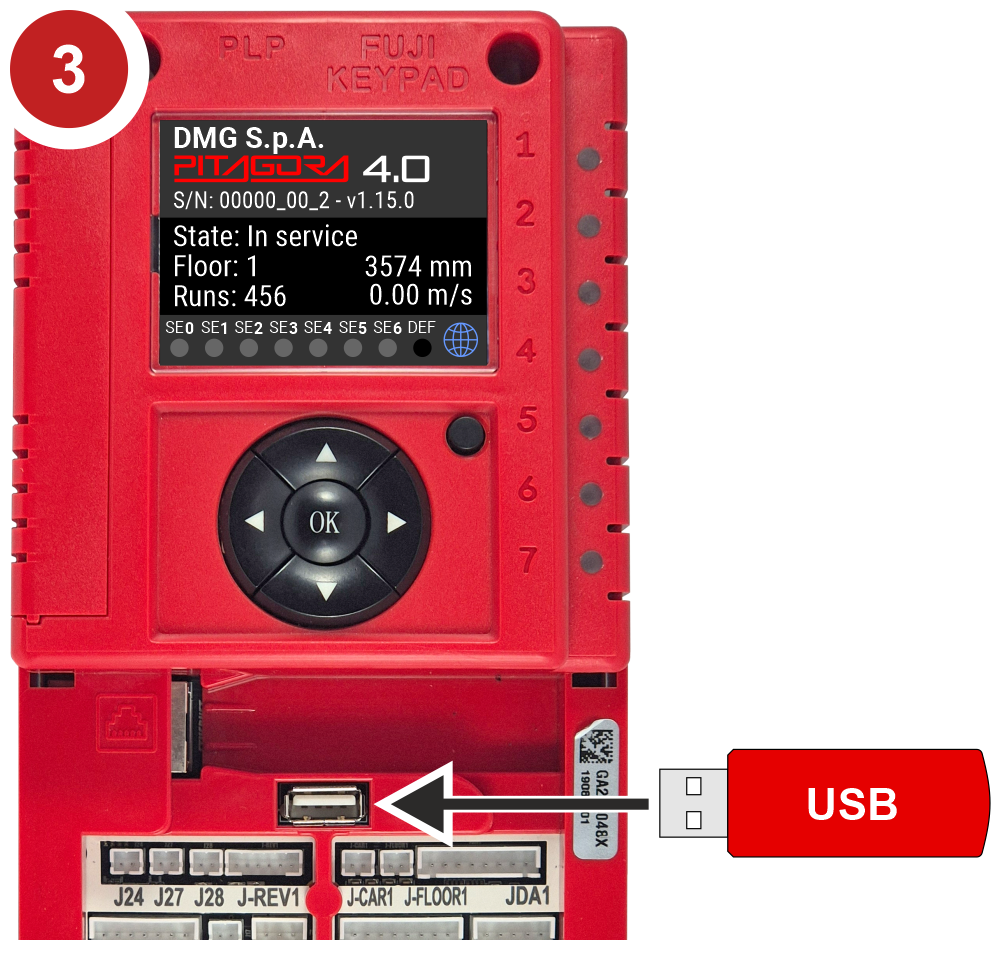
3) Insert the USB flash drive and access the menu.
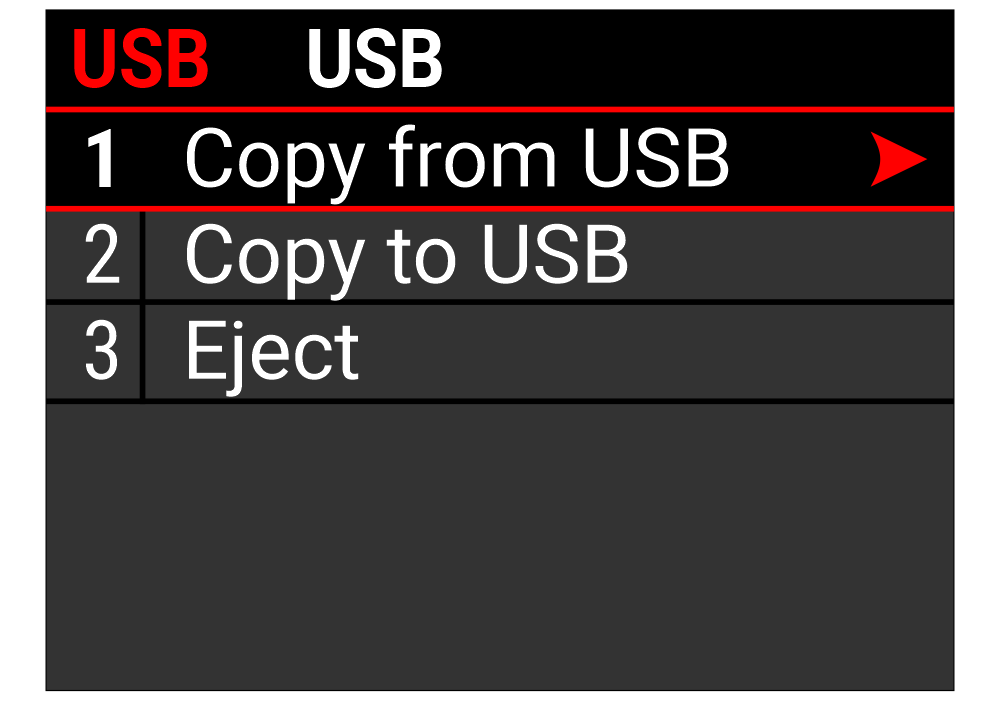
When the USB flash drive is inserted, the USB screen will automatically appear. If nothing is displayed, manually navigate to this screen.
Copy to USB
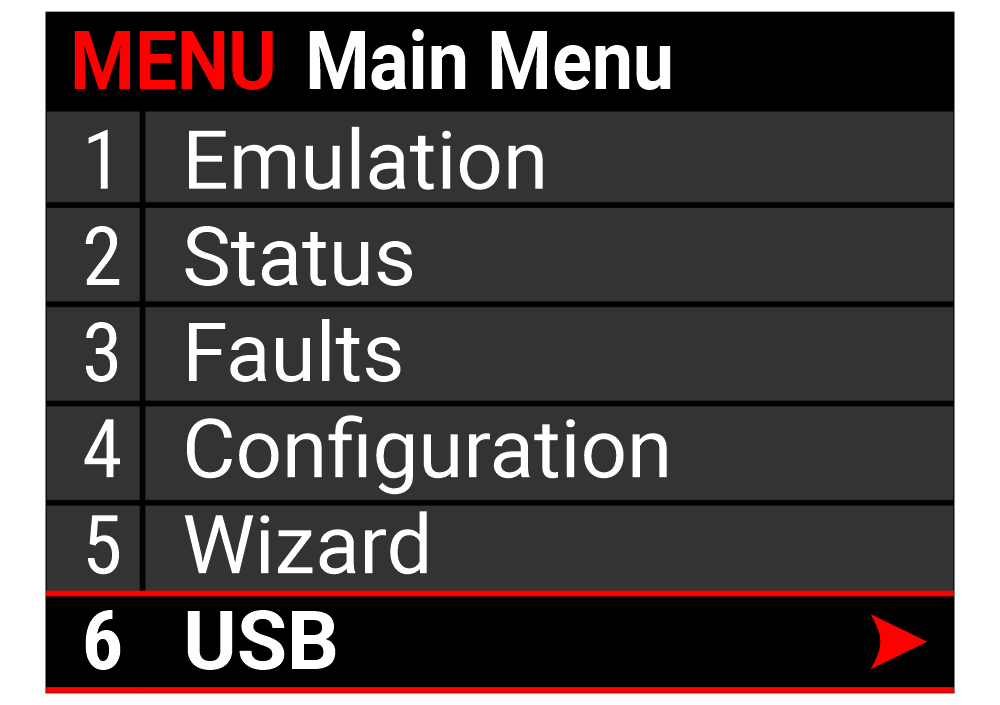
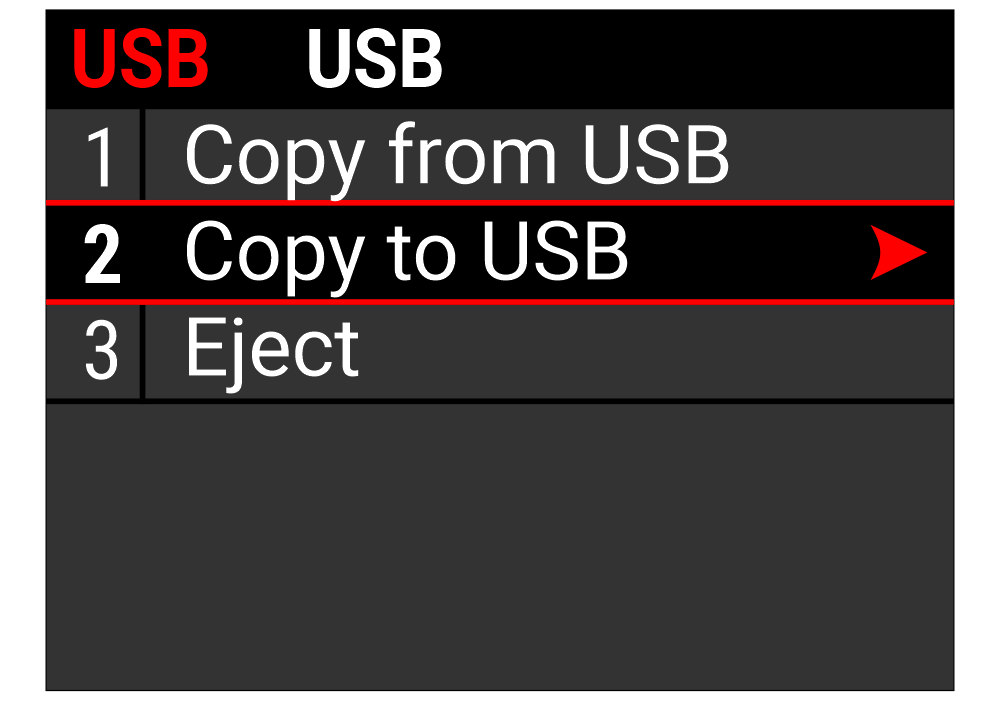
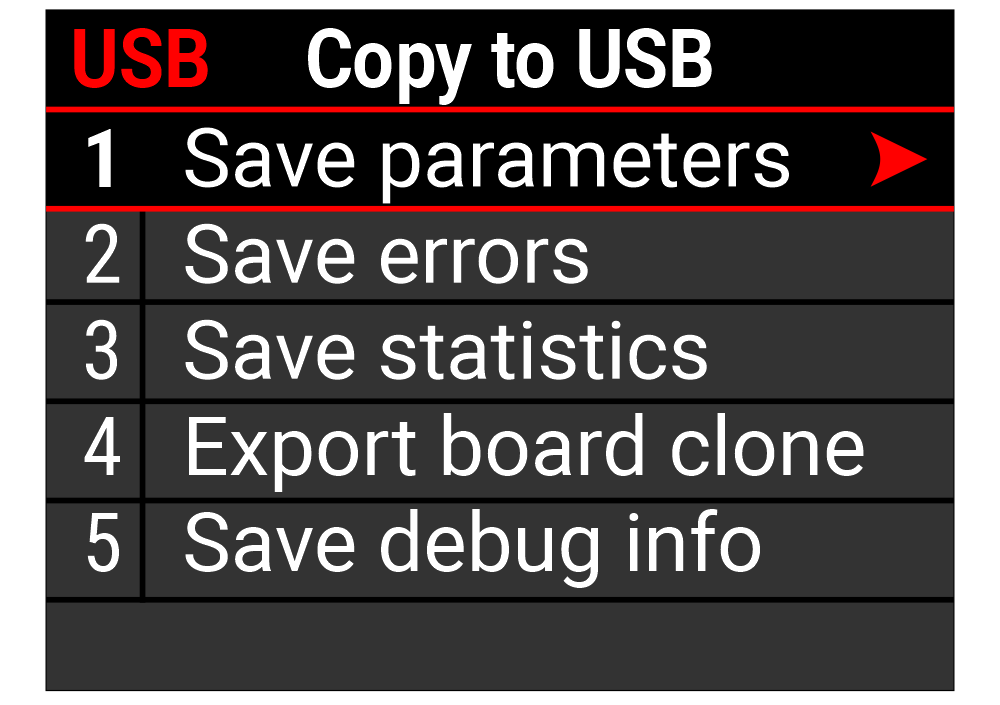
1) Save parameters
Export the parameters currently in use from the Pitagora 4.1 electronic board to the USB flash drive.
2) Save errors
Save only the error log.
3) Save statistics
Save only the controller statistics.
4) Export board clone
A “clone” file of the 4.1 electronic board can be exported and then imported into another board to create an exact copy of the original. The clone file contains:
Statistics
Pitagora parameters
System and network parameters
Error log
5) Save debug info
Save the debug information.
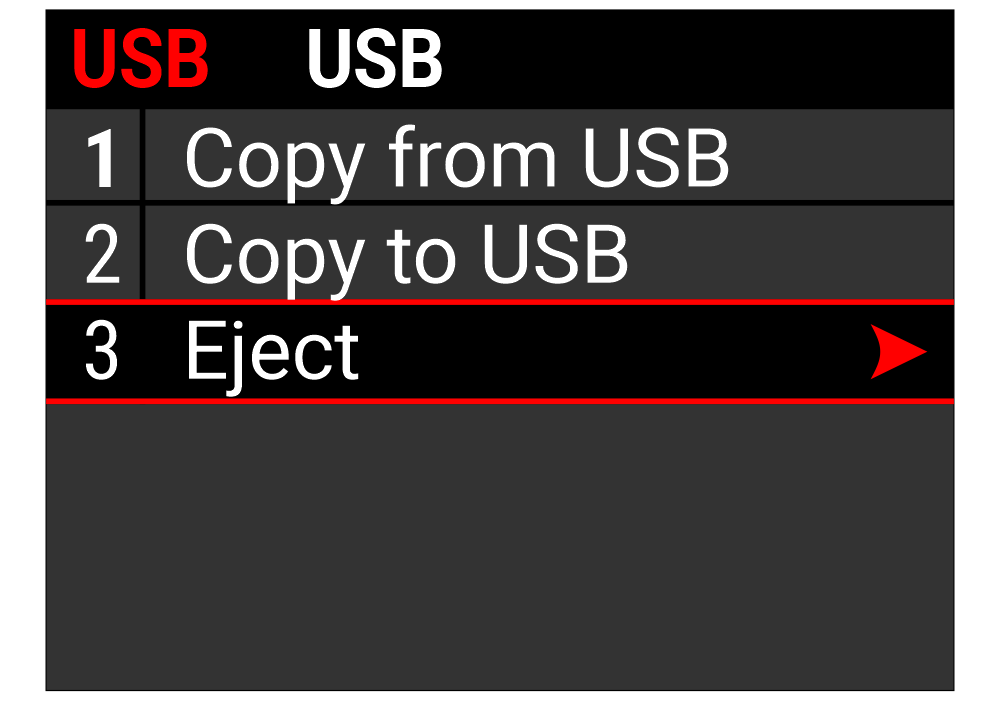
Remove the USB flash drive as shown.
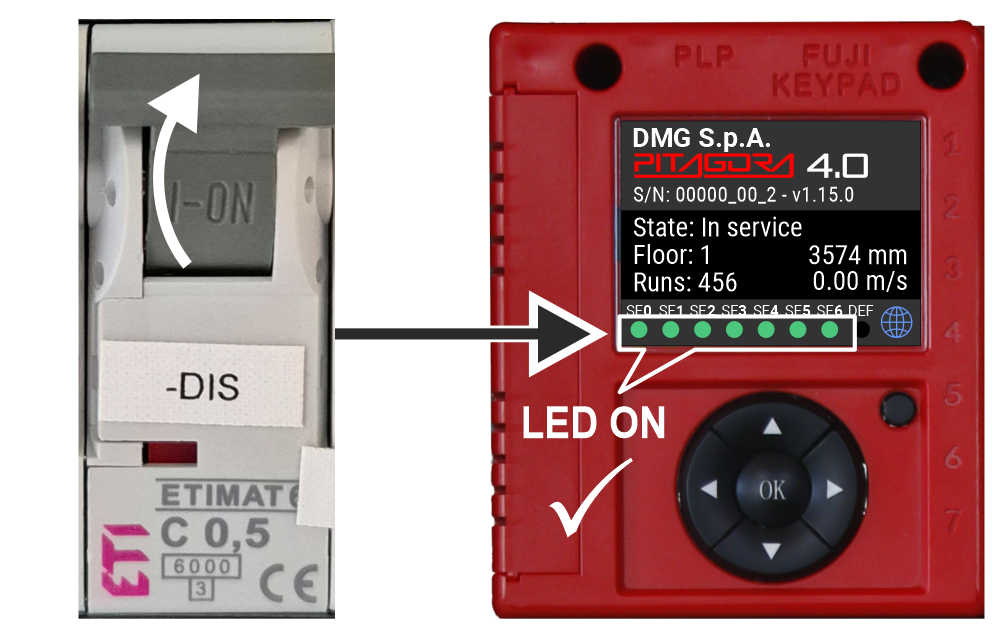
Reassemble the connectors cover and close the safety chains by reactivating the “-DIS” switch.
Copy from USB
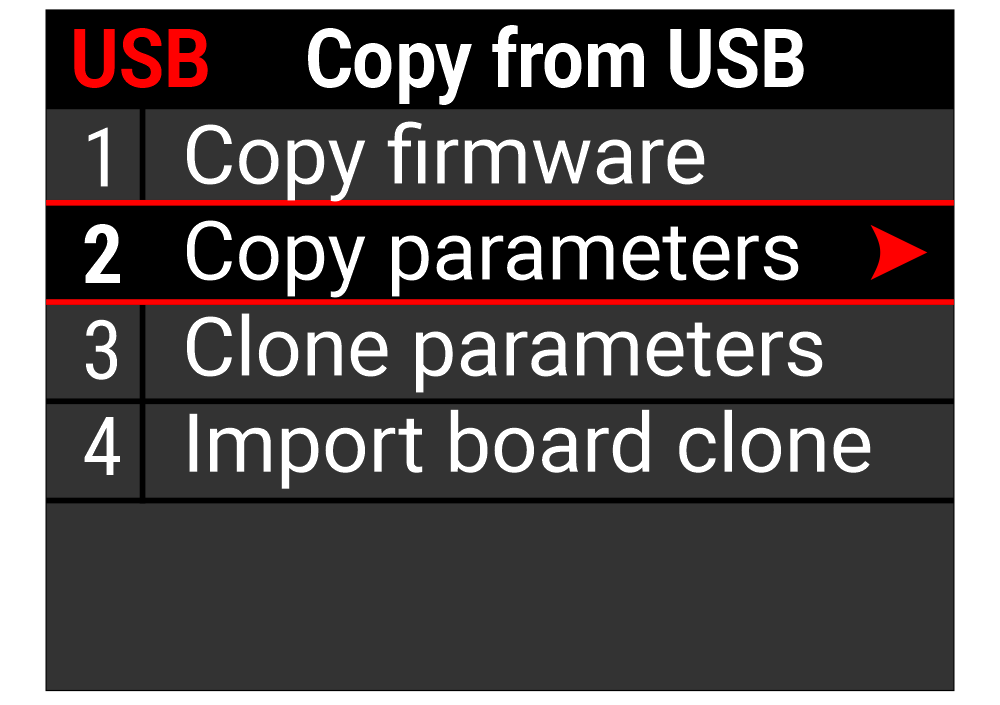
1) Copy firmware
Refer to the dedicated firmware update section.
2) Copy parameters
Import the previously exported parameters of the Pitagora 4.1 electronic board.
3) Clone parameters
Function for retrofitting a Pitagora 4.0 electronic board with a 4.1 board. Refer to the “Retrofit from 4.0 Motherboard” section.
4) Import board clone
Import the previously exported clone file of the source board.
Remove the USB flash drive as shown.
Reassemble the connectors cover and close the safety chains by reactivating the “-DIS” switch.